A children’s dance class in a bright mirrored studio, teachers and pupils mid-step
DANCE STUDIO SOFTWARE

Fuller classes. Less admin. More dancing.

Term timetables, kids’ and adult classes, drop-ins beside term passes, payments, the end-of-year show, choreography videos and follow-up messages in one modern system. OPEN helps dance teachers, schools and chains take bookings in minutes, without a sales call or a long setup.
Free to start · No sales call · No onboarding
Web · iOS · Android
A direct answer

Built around the school year, not a gym’s.

OPEN is dance school management software for weekly classes that run by term, kids’ classes a parent books and pays for, adult drop-ins, private lessons, competition groups and the show. It gives teachers, schools and chains one place to publish the term, take bookings and payments, run waitlists, mark attendance and keep families informed.
A day in your school

Less administration between the moments that matter.
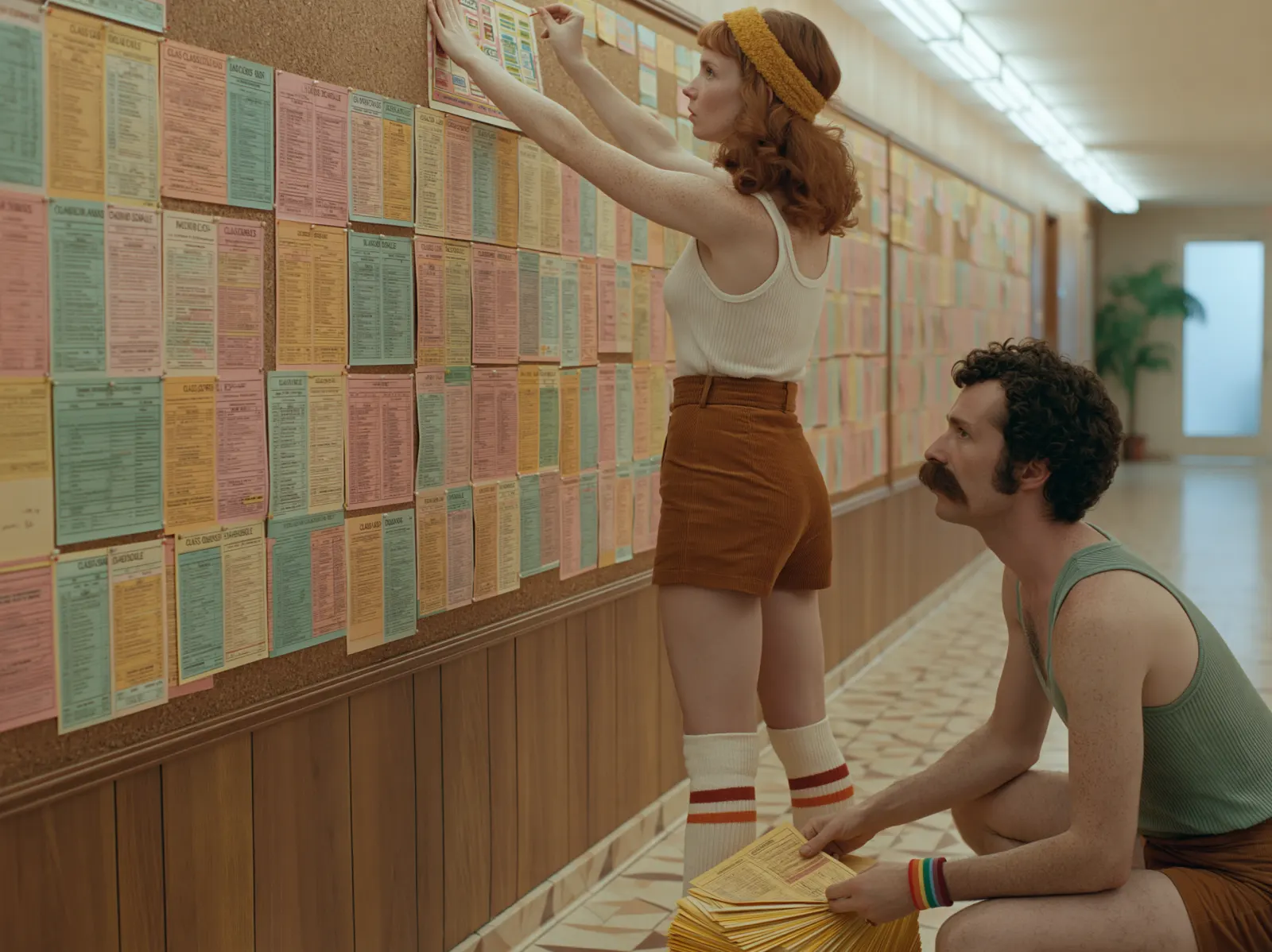
Dance school team laying out the term timetable
15:30 · Before the first class

The term is already published.

Build one week of classes, teachers and rooms and repeat it to the end of term. Parents see the same timetable on the web and in the app.
A parent checking a child in at the dance school front desk
17:10 · The front desk

Bookings take care of themselves.

Parents buy a term pass or a drop-in, book, cancel and move through the waitlist without messaging you; adults do the same for the evening classes.
Dance school owners going through the day together
21:00 · Doors closed

You know how the day went.

Attendance, revenue and who hasn’t renewed come together in one report, ready for tomorrow.
The operating system, without the noise

One quiet dashboard behind every class.

OPEN keeps the essentials close and the software out of the way. No enterprise theatre or week-long implementation: just the work your school actually does.
01
Term timetables, workshops, intensives and private lessons
02
Term passes, drop-ins, memberships, card payments and digital wallets
03
Waitlists, self check-in and attendance by student
04
Family records, campaigns and a choreography video library
Today at Northside Dance
Wednesday · 14 May
16:00
Mini Ballet (4–6)
Amara · Studio 1
11 / 12
17:00
Junior Jazz
Theo · Studio 2
14 / 16
18:00
Private Lesson
Amara · Studio 3
Paid
19:00
Adult Contemporary
Isla · Studio 1
Waitlist 2
20:00
Competition Team
Theo · Studio 2
18 / 20
Everything the school needs

More than a booking calendar.

The practical tools schools compare before they switch, built into one system so the timetable, the payment and the student record agree.
01

Terms, drop-ins & payments

Sell term passes, drop-ins, class packs and recurring memberships. Parents and adult students book and pay on web, iOS or Android while capacity and waitlists update automatically.
Included from Free
02

Built-in invoicing

Issue invoices and receipts without adding another product. Each payment stays connected to the student, the class and the revenue report.
EU-native · VeriFACTU-ready in Spain
03

Choreography videos

Publish rehearsal and choreography videos beside the live timetable so students practise between classes, or sell access to recorded courses.
Live and on-demand, together
04

Marketing campaigns

Announce the new term, sell show tickets, welcome new families and reconnect with students who have stopped coming.
Included on Plus and Business
05

Student database & reporting

See bookings, attendance, passes and payment history in one student record, then follow revenue and trends across classes, terms and teachers.
Your data remains exportable
06

The show and the shop

Event pages with built-in booking for the end-of-year show and workshops, and a small shop for shoes, uniforms and merch collected at the studio.
Web · iOS · Android
Dance teachers reviewing attendance and revenue for the term
See the whole school
Attendance · students · revenue
Dance teachers recording choreography for the video library
Rehearse between classes
Live timetable · choreography videos
Useful automation, controlled AI

Automations you will love. AI tools that make sense.

OPEN handles clear, repetitive work and keeps you in control when judgment matters. AI is there to save time, not to create more software to supervise.
Class operations
01

Fill a quiet class — or make the call early.

Set a minimum attendance level. OPEN can promote a low-enrolment class, notify you, or cancel it at your chosen cutoff and update the families booked on it.
Retention Autopilot
02

Notice who is drifting away.

Spot students whose attendance is slipping before the term ends and draft a warm message to the family. You review, edit and decide whether to send it.
Studio Assistant
03

AI that answers from approved knowledge.

Studio Assistant answers routine questions about uniforms, term dates and the show from answers you approved. When it is uncertain, it passes the question to you instead of inventing an answer.
Automation and AI availability depends on plan and feature availability. You stay in control of messages and responses.
Right-sized from day one

Built for teachers, schools and chains

Start with one teacher or one room. Grow to a full team, several studios and a second site without changing systems; timetables, student history and reporting grow with you.
01

Teachers

Run private lessons, weekly classes and workshops, with a straightforward way for students and parents to book and pay before they arrive.
02

Dance schools

Coordinate several teachers and studios, term passes, waitlists, family communication and a clear view of attendance.
03

Multi-site schools

Manage several locations with centralised reporting, campaigns and one consistent booking experience across every site.
Clear prices, no call required

Start free. Grow when the school does.

Every plan includes the timetable, online bookings and payments, the parent and student app, reports and data export. Pay yearly and save 15%.
 

Free

Free
€0 EUR · $0 USD
per month
For teachers and schools getting started.
— Class timetable by term
— Online bookings and payments
— Starter student database
— Parent and student app, reports and data export
Start free
 

Private

€17.99
€17.99 EUR · $20.99 USD
per month
For a teacher with a growing list of students.
— Everything in Free
— Larger student database
— Priority support
— No setup fee
Choose Private
Most popular

Plus

€47
€47 EUR · $55 USD
per month
For established schools and teams.
— Everything in Private
— Pro student database
— Marketing campaigns
— Studio Assistant
Choose Plus
 

Business

€69.99
€69.99 EUR · $79.99 USD
per month
For larger and multi-location schools.
— Everything in Plus
— Business student database
— Marketing campaigns
— Room to scale across locations
Choose Business
Monthly list prices are shown in EUR and USD. Annual billing is 15% less.
No sales call or onboarding fee.
Dance school team taking a breather outside the studio
Ready when you are

Your next booking could be ten minutes away.

Free to start. No sales call. No onboarding marathon.
Good questions

Before you move your school.

Can I start without speaking to sales?

Yes. Sign up yourself, add your first class and publish your booking page. OPEN has a permanent Free plan with no sales call or onboarding fee.

Can I sell term passes as well as drop-ins?

Yes. A pass can be valid for a set number of classes or a date range, so a term pass, a 10-class card, a single drop-in and a monthly membership can all sit side by side, with payments processed through Stripe.

Is invoicing built in?

Yes. OPEN connects invoices and receipts to the student and the payment. Its EU-native invoicing includes VeriFACTU-ready support for schools in Spain.

What does the AI actually do?

Studio Assistant answers from knowledge you approved and escalates uncertain questions. Retention Autopilot can draft messages to families whose attendance is slipping, for you to review, edit and send.

How much does OPEN cost?

OPEN has four public tiers: Free, Private, Plus and Business. Monthly EUR and USD prices are shown above, and annual billing is 15% less.

Can parents book from their phones?

Yes. Parents and adult students can browse the timetable, book, pay and manage their bookings on the web, iOS and Android.

Can I export my data?

Yes. Your student and school data remains exportable, so you can take a copy when you need it.